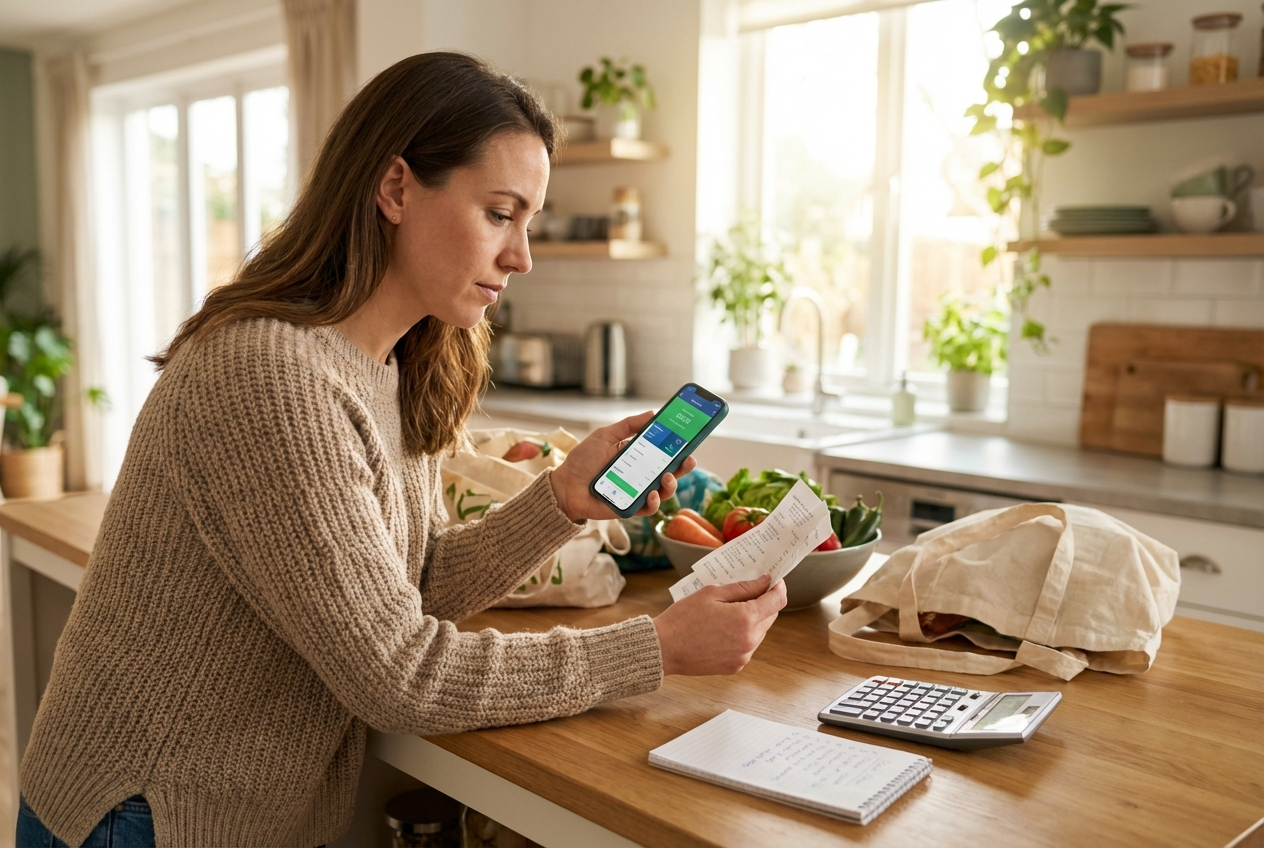
How I Save $300/Month on Groceries with These 5 Apps
Groceries shopping used to be my biggest monthly expense after rent.
Unlock 300+ Easy Recipes You’ll Actually Make
New recipes sent daily. Free forever!

I was spending $900 to $1,000 per month for a family of four. I had a groceries list. I planned meals. I avoided impulse buys.
And still, my total kept climbing.
Inflation, convenience, and “quick stops” were draining our budget.
So I tested every grocery savings strategy I could find. After three months of tracking receipts, stacking rewards, and optimizing our groceries list, I reduced our bill by $300 per month without cutting quality or eating bland food.

Here are the 5 apps that made the biggest difference.
1. Ibotta – Cashback on Groceries Shopping
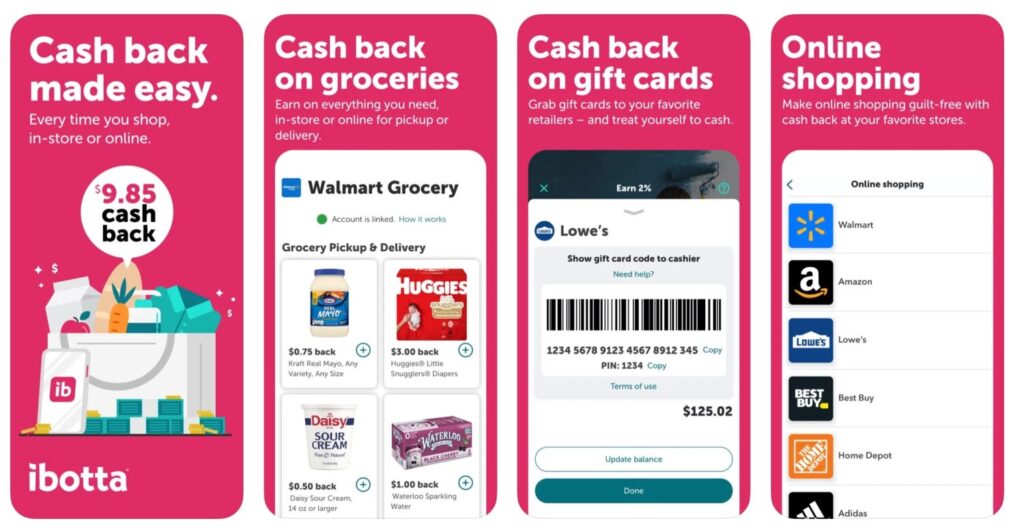
If you want to save money grocery shopping, cashback apps are step one.
Ibotta gives you cash back on everyday grocery items. You browse offers before you shop, then upload your receipt or link your store account.
Why it works:
- Weekly bonuses add up fast
- Brand rebates stack with store sales
- Works at Walmart, Target, Kroger, Costco, and more
My average monthly savings: $80 to $120
Tip: I check Ibotta before finalizing my groceries list. If there is cashback on yogurt or chicken, I plan meals around those items.
That small habit alone saves about $20 per week.
2. Fetch – Points for Every Receipt
Fetch is easier because you earn points on almost every receipt.
You scan your grocery receipt and get points. No pre-selecting offers required.
Why I use it:
- Zero effort
- Extra bonuses for specific brands
- Works at almost any store
My average monthly savings: $40 to $60
I combine Fetch with Ibotta. Same receipt. Double rewards.
That stacking strategy matters if you want real savings instead of loose change.
3. Flipp – Build a Smarter Groceries List
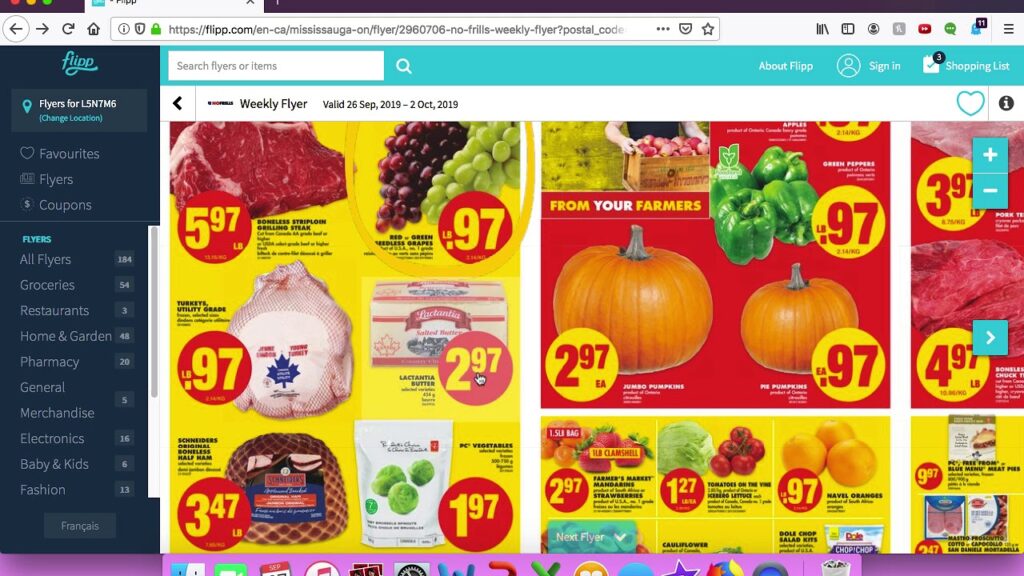
Flipp changed how I do groceries shopping.
Instead of walking into a store and reacting to prices, I build my groceries list around weekly ads.
What Flipp does:
- Shows local store flyers
- Lets you search for specific products
- Highlights lowest prices
Before this, I was buying chicken breasts at $5.99 per pound. Now I wait until they drop to $2.99 to $3.49.
That single adjustment saves us about $40 per month.
This is how you save money on groceries without using coupons.
4. Upside – Cashback on Gas and Grocery Stops
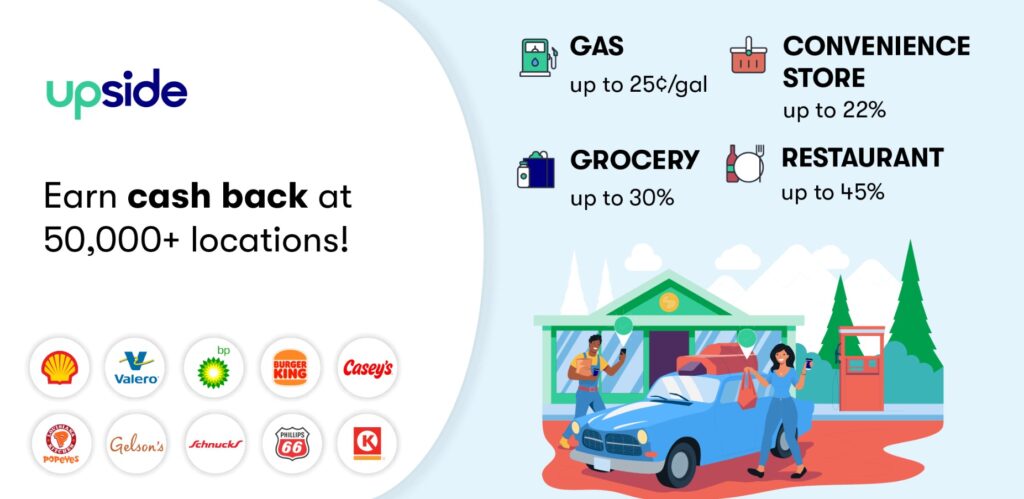
Upside is mostly known for gas savings, but many locations also offer grocery cashback.
Since groceries shopping usually includes gas trips, I count this too.
Average savings:
- $10 to $25 per month on gas
- Occasional grocery rebates
It sounds small, but over a year that is $200 to $300.
Small savings compound.

5. Store Apps – Digital Coupons That Stack
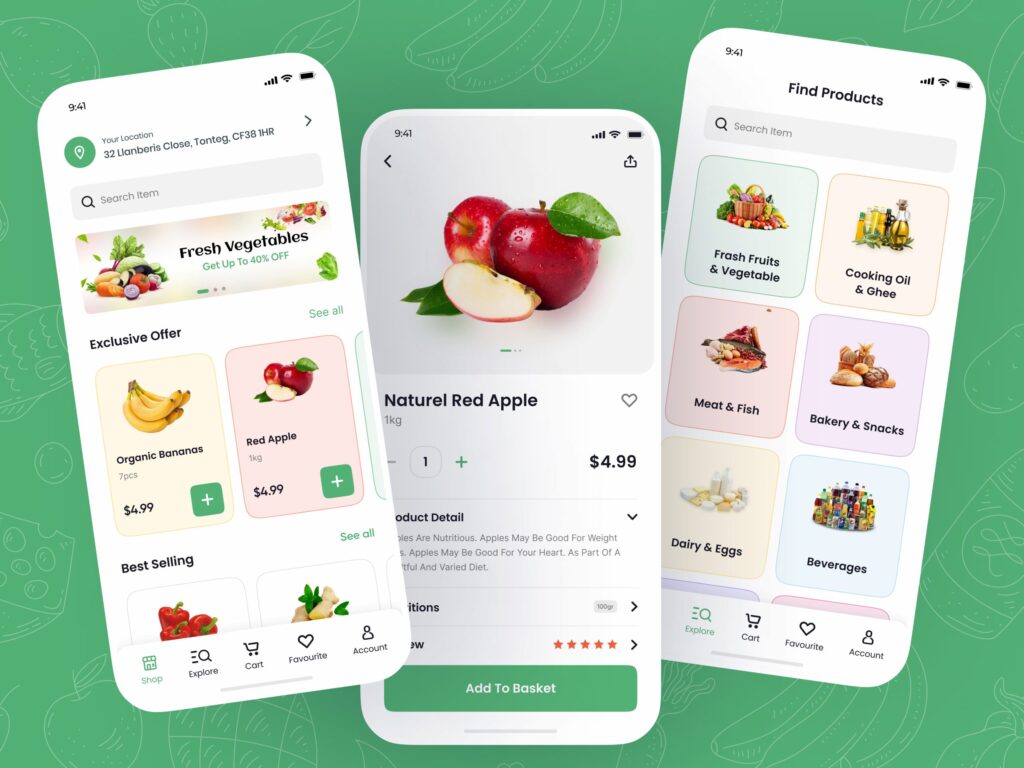
Every major store has its own app:
- Walmart
- Target
- Kroger
- Costco
Their apps offer:
- Digital coupons
- Member pricing
- Extra reward programs
Most people ignore these.
I stack store coupons with cashback apps and weekly sales.
Monthly savings from store apps: $60 to $80
How This Adds Up to $300 Per Month
Here is a realistic breakdown:
- Ibotta: $100
- Fetch: $50
- Flipp price planning: $40
- Store apps: $70
- Upside: $20
Total: $280 to $320 per month
That equals $3,600 per year.
That pays for a vacation, an emergency fund, or debt payoff.
My Exact Groceries Shopping Routine
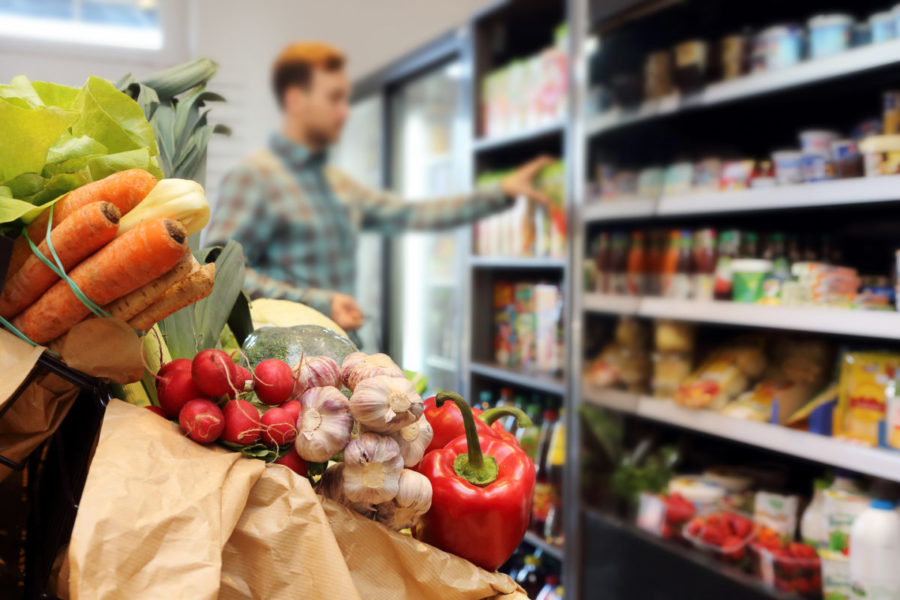
If you want the system that works, here it is:
Step 1: Check Flipp
Search protein, produce, and pantry staples.
Step 2: Build Groceries List Around Sales
I never shop without a groceries list.
Impulse buying kills budgets.
Step 3: Check Ibotta Offers
Add cashback items to the plan.
Step 4: Activate Store Coupons
Open Walmart or Target app and clip digital deals.
Step 5: Upload Receipt to Ibotta + Fetch
Never skip this step.
The whole process takes 10 to 15 minutes per week.
That is a strong hourly return.
Extra Ways I Save Money on Groceries
If you want to push savings further:
- Meal prep to avoid midweek takeout
- Buy meat in bulk when on sale
- Freeze extra portions
- Stick to a strict groceries list
- Avoid “quick trips”
The biggest shift was this:
I stopped shopping emotionally and started shopping strategically.
FAQs About Grocery Savings Apps
Do grocery apps really save money?
Yes. But only if you plan your groceries shopping around them. Random use gives random results.
Is it worth using multiple apps?
Yes. Stacking rewards is how you reach $200 to $300 monthly savings.
Do these apps work in 2026?
Yes. Most major retailers still partner with cashback platforms. Check your area for availability.
How long does it take?
About 10 minutes weekly to plan and 2 minutes to scan receipts.
Final Thoughts
You do not need extreme couponing.
You do not need to cut fresh food.
You do not need to eat rice and beans every day.
You need structure.
Groceries shopping will always cost money. But with the right apps, your groceries list becomes a savings tool instead of a budget leak.
Start with one app this week.
Then stack the next.
That is how you save $300 per month on groceries without feeling deprived.